

 ScaleMusefrom 1 credit per second
Try it
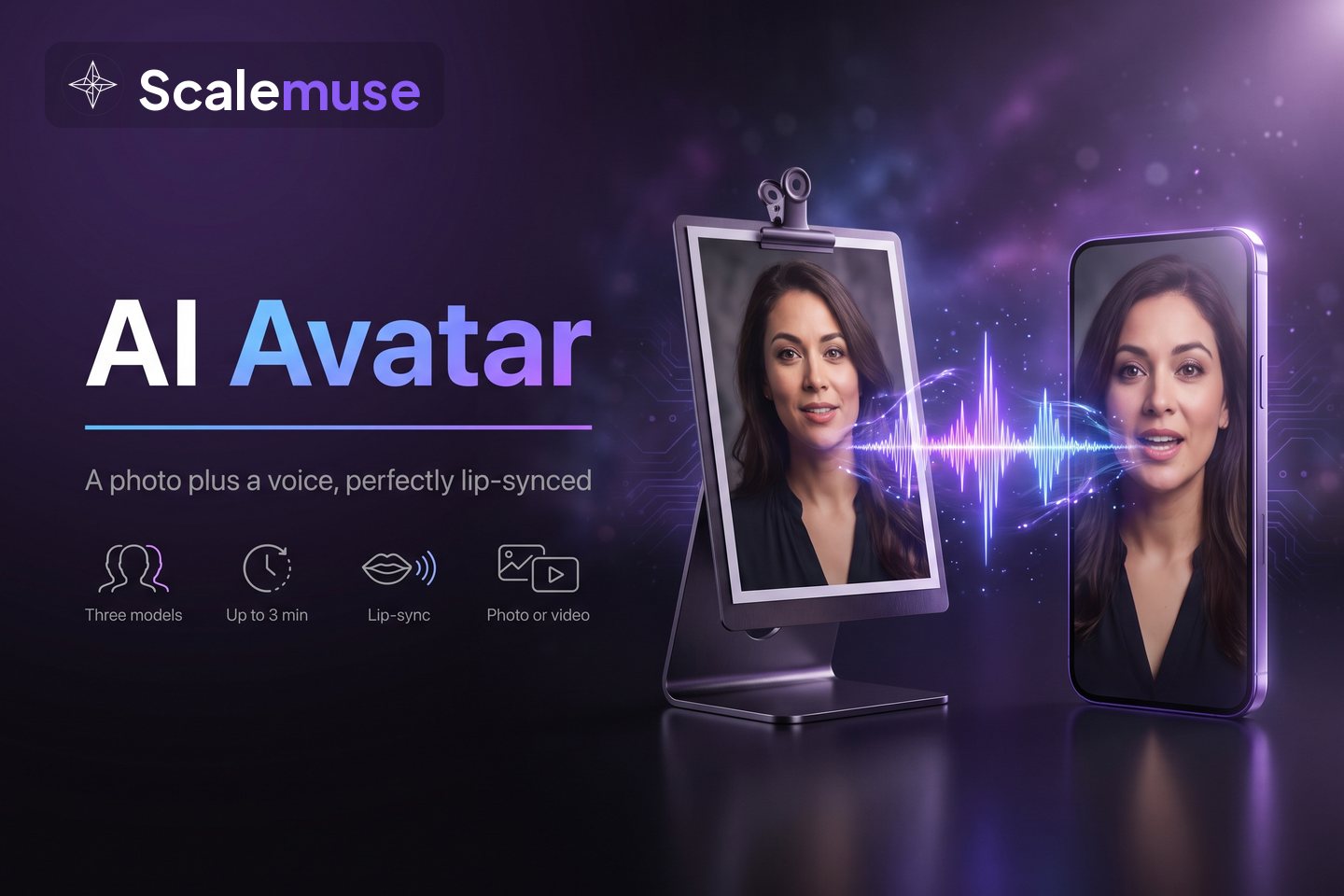
AI avatar
VideoOne front-facing photo (or an existing video) plus an audio clip — a lip-synced talking video
One sentence installs it into the AI assistant you already use. Research, script, voiceover, final cut: all on your own machine. Skills are free, editable, and shareable.
Real outputs. Hover to play, click for the process.
voice-over → rendered locally · you confirmed once
一份 40 页的 PDF 课件,按页讲成 5 分半的讲解视频,翻页卡在每页讲完
1 storyboard frame → 1 music track → rendered locally · author noted 5 steps
一张产品图加三个卖点,做成 20 秒卡点动效广告
2 video shots → 1 music track → voice-over → speech to text → align subtitles → rendered locally · you confirmed once
徕芬 SE 高速负离子吹风机真实种草口播视频
2 storyboard frames → 2 video shots → rendered locally · you confirmed once
一张商品图,复刻爆款参考片
2 storyboard frames → voice-over → align subtitles → rendered locally · author noted 4 steps · you confirmed 3 times
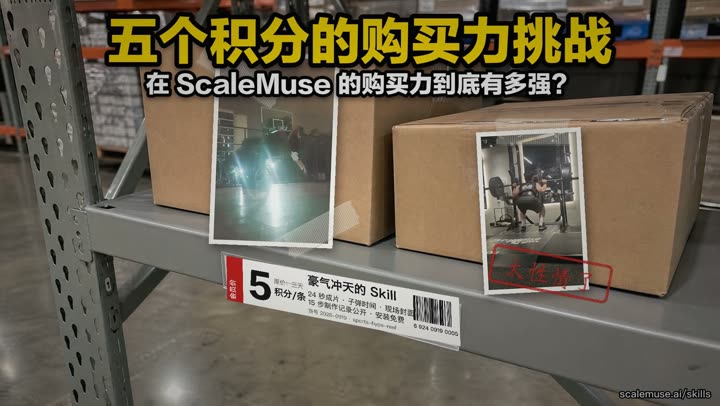
给社区 Skill 再做条推广片:直播间腔调的口播讲购买力挑战,内录制作记录,结尾接成片
1 storyboard frame → 2 video shots → rendered locally · author noted 1 step
一张商品图,复刻爆款参考片
speech to text → rendered locally · author noted 1 step
口播和录屏自动对齐,剪成专业解说视频;三角洲实例
analyze the reference → 1 storyboard frame → rendered locally · author noted 4 steps
把自己的深蹲和扣篮素材剪成竖版高燃集锦,扣篮顶点做子弹时间慢动作
2 storyboard frames → voice-over → align subtitles → rendered locally · author noted 11 steps · you confirmed once
给社区 Skill 做条推广片:内录制作记录、名人音色口播,结尾接成片
speech to text → rendered locally
适用于人物访谈、视频播客和专家对谈,将长视频剪成聚焦说话人的竖屏短片,并用字幕突出核心观点。
1 music track → rendered locally · you confirmed once
只需录屏素材就能直接出片的种草skill
align subtitles → rendered locally · author noted 1 step
复用确认素材与配音,核对字幕对齐并渲染营销号视频
Your agent downloads the build, verifies the signature, and installs every official Skill in one go.
Just say it the way you would to a colleague. The entry Skill picks the right method and checks in with you all the way to the final cut.
Projects, timelines and rendering stay on your machine; only voice, image and video generation are billed in credits, quoted before each step. The first time one is used you click Authorize once in your browser — nothing to manage after that.
What exists, what it costs, what to say to Codex.
ScaleMusefrom 1 credit per secondOne front-facing photo (or an existing video) plus an audio clip — a lip-synced talking video
 ScaleMusefrom 1 credit per second
Up to 9 images and 3 audio clips plus one sentence — a 1–15 second video
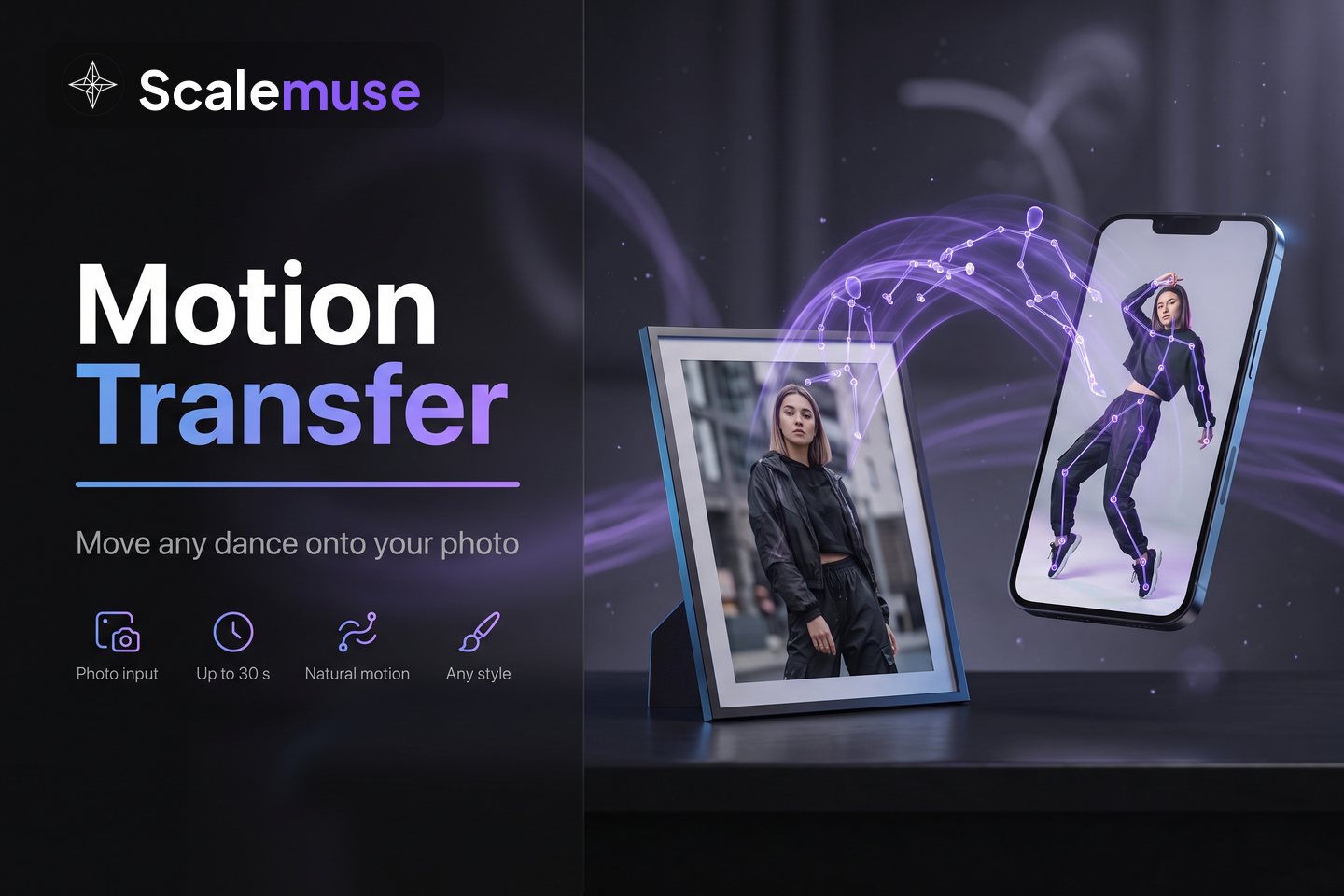 ScaleMuse1 credit per second, up to 30 s
One portrait photo plus a dance or action video — the motion moves onto the person in the photo
 ScaleMusefrom 1 credit per minute (premium voices 7)
Read text aloud in dozens of voices
 ScaleMuse1 credit per minute
Turn the speech in a video or audio file into timed text
 ScaleMuse1 credit per minute
Align a script to the audio line by line
 ScaleMusefrom 4 credits per minute
Remove subtitles, watermarks and logos from a video
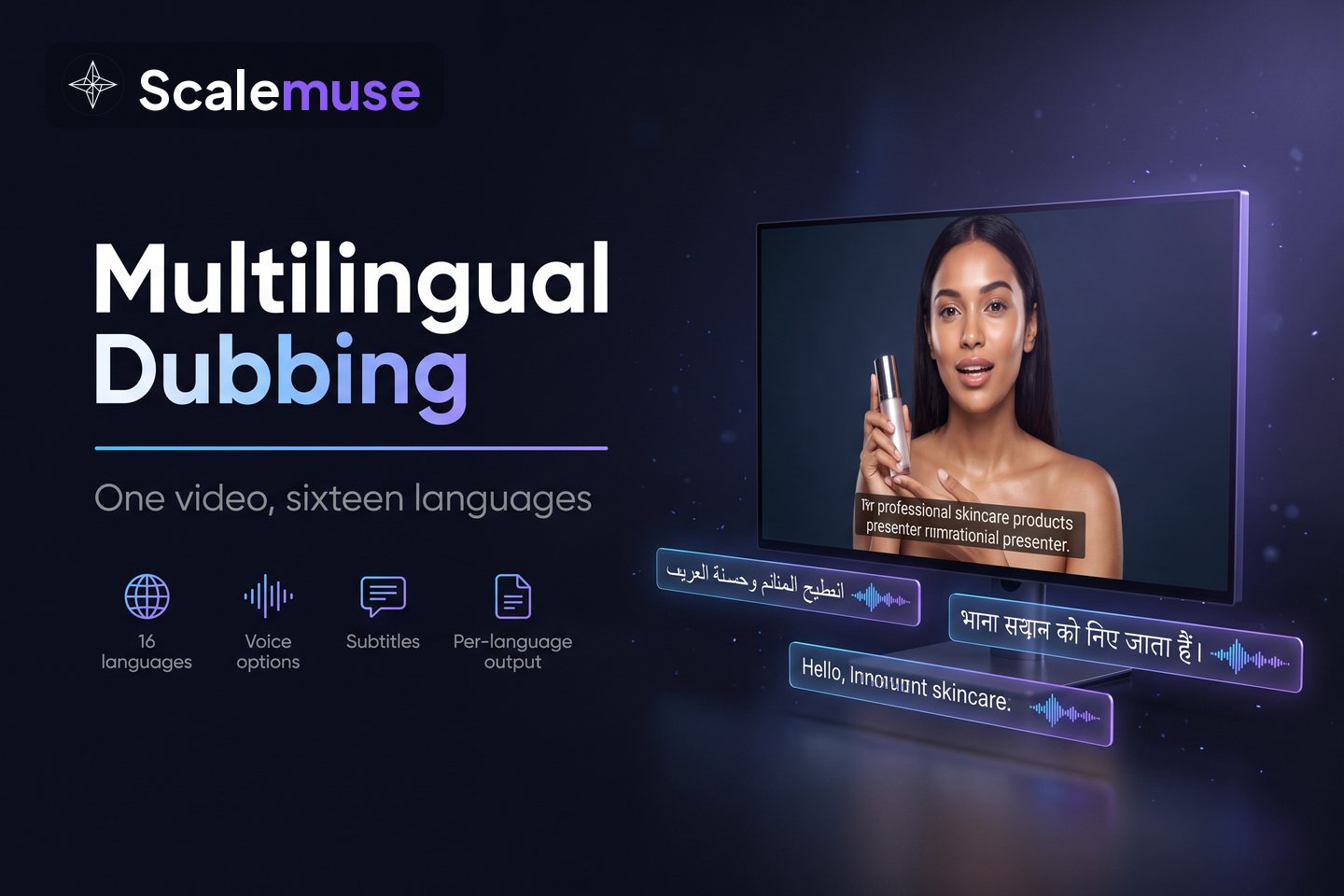 ScaleMusefrom 3 credits per language per minute
Translate one video into many languages: transcribe, translate, dub, erase and re-burn subtitles — one finished video per language
 ScaleMusefrom 11 credits per minute
Translate only the text in the frame (titles, stickers, packaging); the voice stays
 ScaleMuse1 credit per second, 15 max
Split a hit into shots, camera moves, second-by-second action and ready-to-use prompts
 ScaleMusefree
Hand files on your computer to the Agent; cleared after 24 hours
Not to install Skills or the local program. An account is needed only when the Agent uses voice, image or video generation: it hands you a link, you log in and click Authorize once — no key to create or paste.
Today: Codex, Claude Code, Cursor, and WorkBuddy on macOS (Apple Silicon) and Windows. Paste the same install prompt into whichever agent you use. Skills install to ~/.agents/skills, which Codex and Cursor read directly; Claude Code reads the same copy through ~/.claude/skills, WorkBuddy through ~/.workbuddy/skills. Linux is still on the roadmap.
No. Projects, timelines, and renders stay on your computer. Only the model capabilities you approve send the necessary inputs to ScaleMuse, and you see the estimated credits first.
Yes. The web workspace (one-line creation, video remake, multilingual translation, smart erase) works as before and shares one account and credit pool with the Skills.